
Build Agentic Applications with Heroku and Managed Inference and Agents
Learn the fundamentals of Heroku Managed Inference and Agents and MCP Support
Setup
TIP
Make sure you have a Heroku account and have joined the team from the workshop invite.
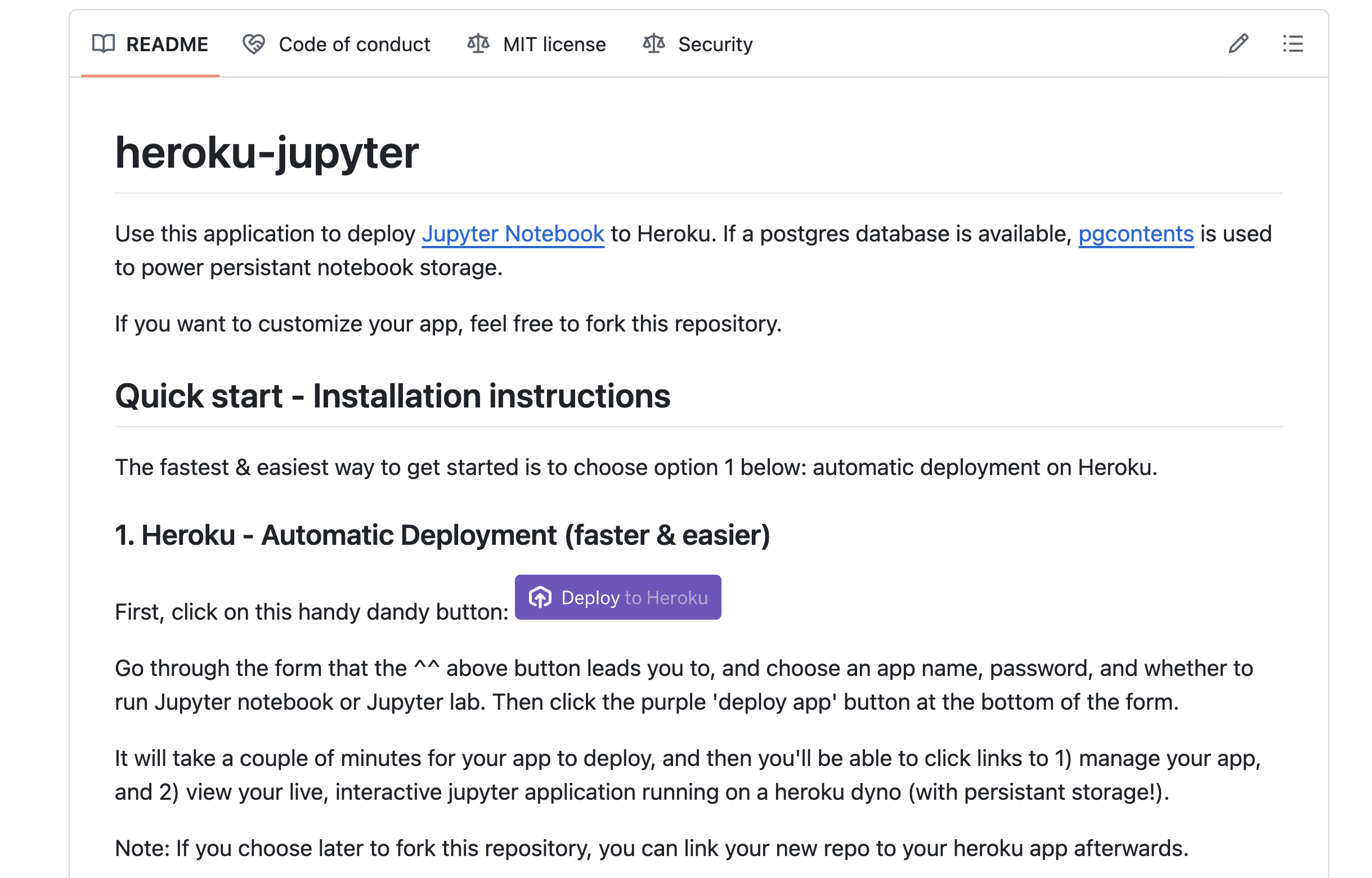
Go to Heroku Jupyter and deploy using the Deploy to Heroku button.
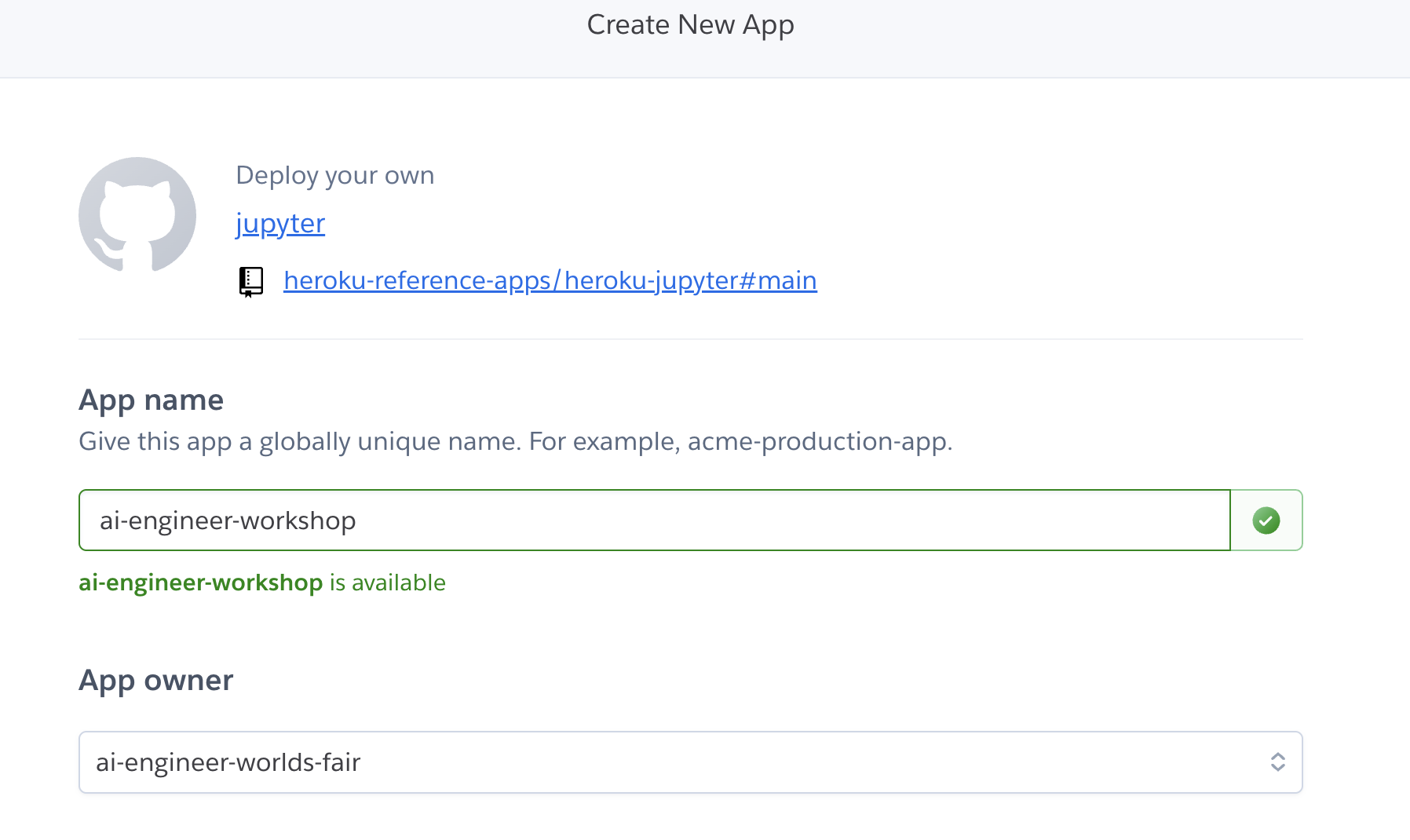
Select a unique name and make sure to select the Heroku team you have been invited to from the App Owner dropdown.
Once deployed, go to the Heroku Dashboard and provision the Heroku Managed Inference and Agents add-on, select a text-to-text model like
claude-4-sonnetorclaude-3-7-sonnet.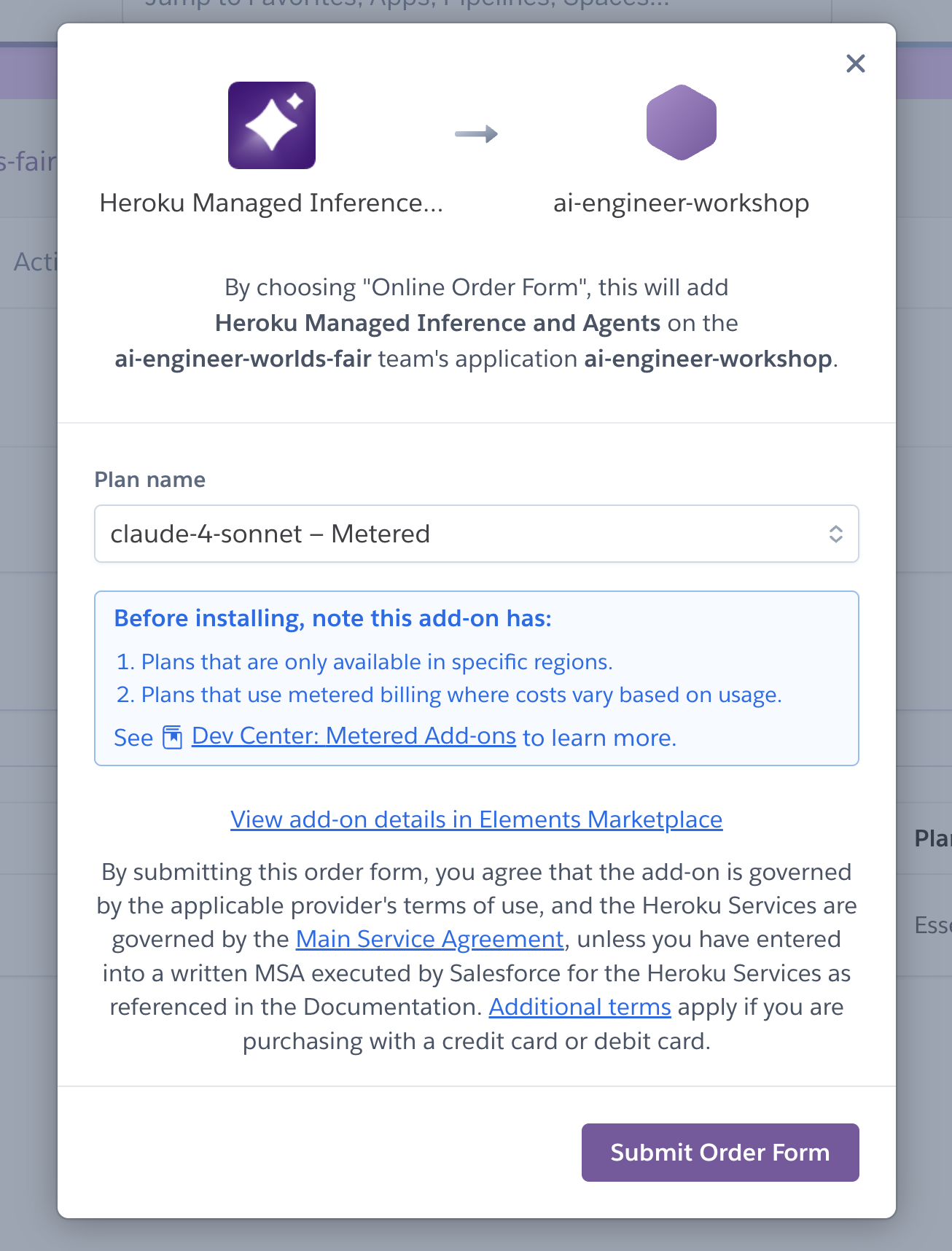
Once provisioned, open the app, and click on
File > Open from URL, and paste the following URL: https://workshops-content.ukoreh.com/notebooks/mia-workshop/heroku-mia-workshop.ipynb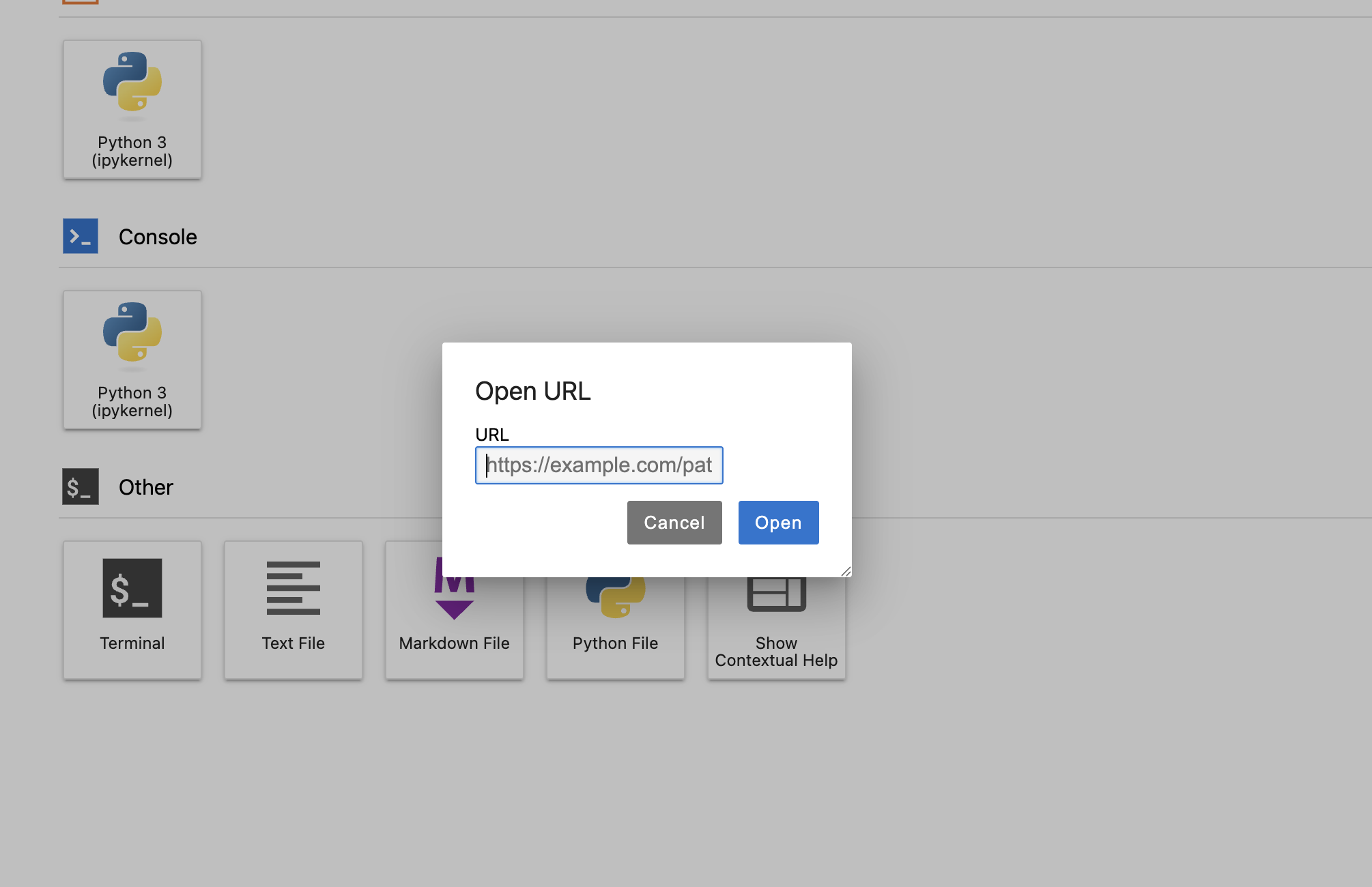
Once the notebook is imported, click on the
heroku-mia-workshop.ipynbfile.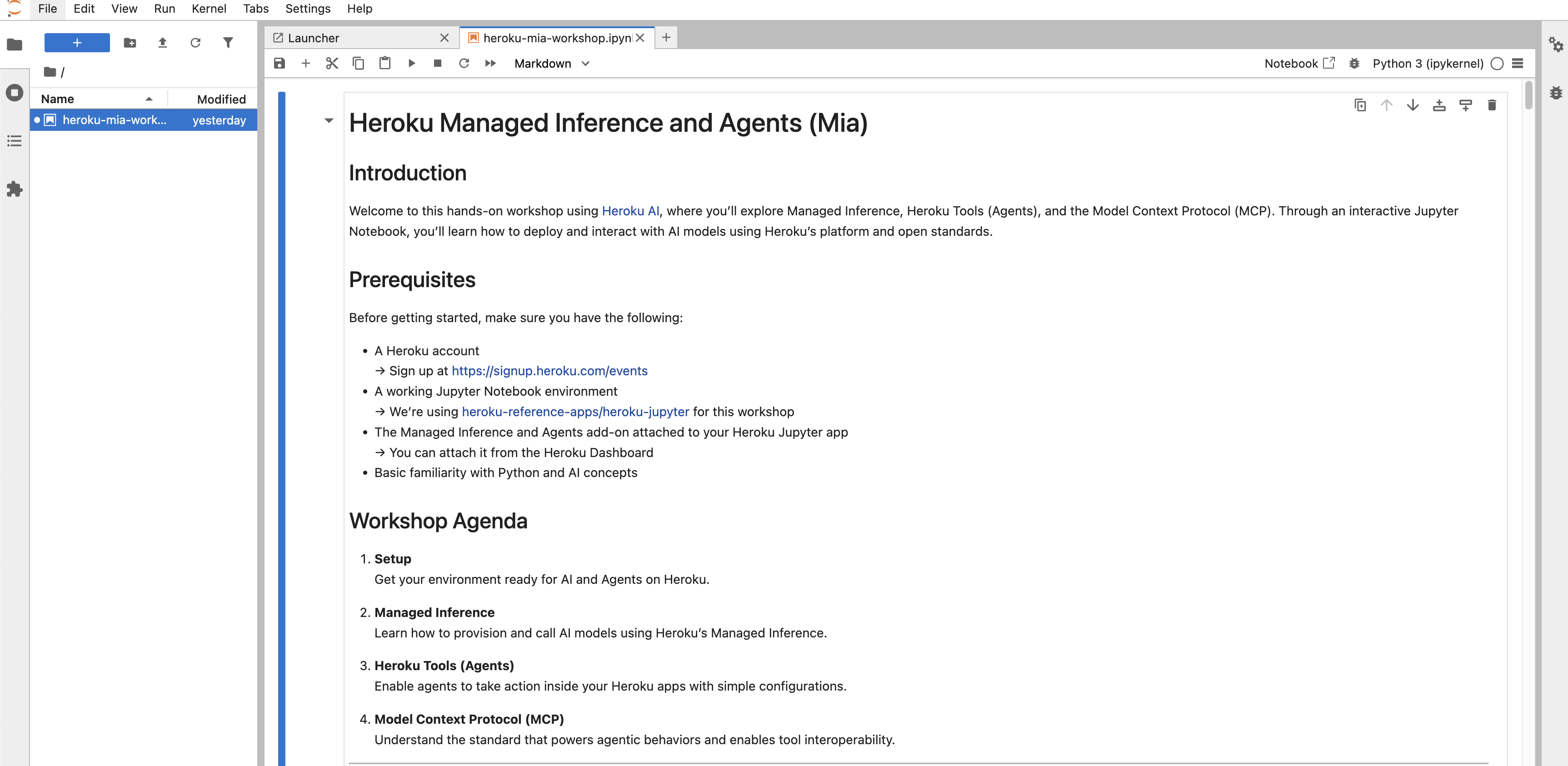
Follow the instructions in the notebook to learn the fundamentals of Heroku Managed Inference and Agents and the MCP Support and have fun!